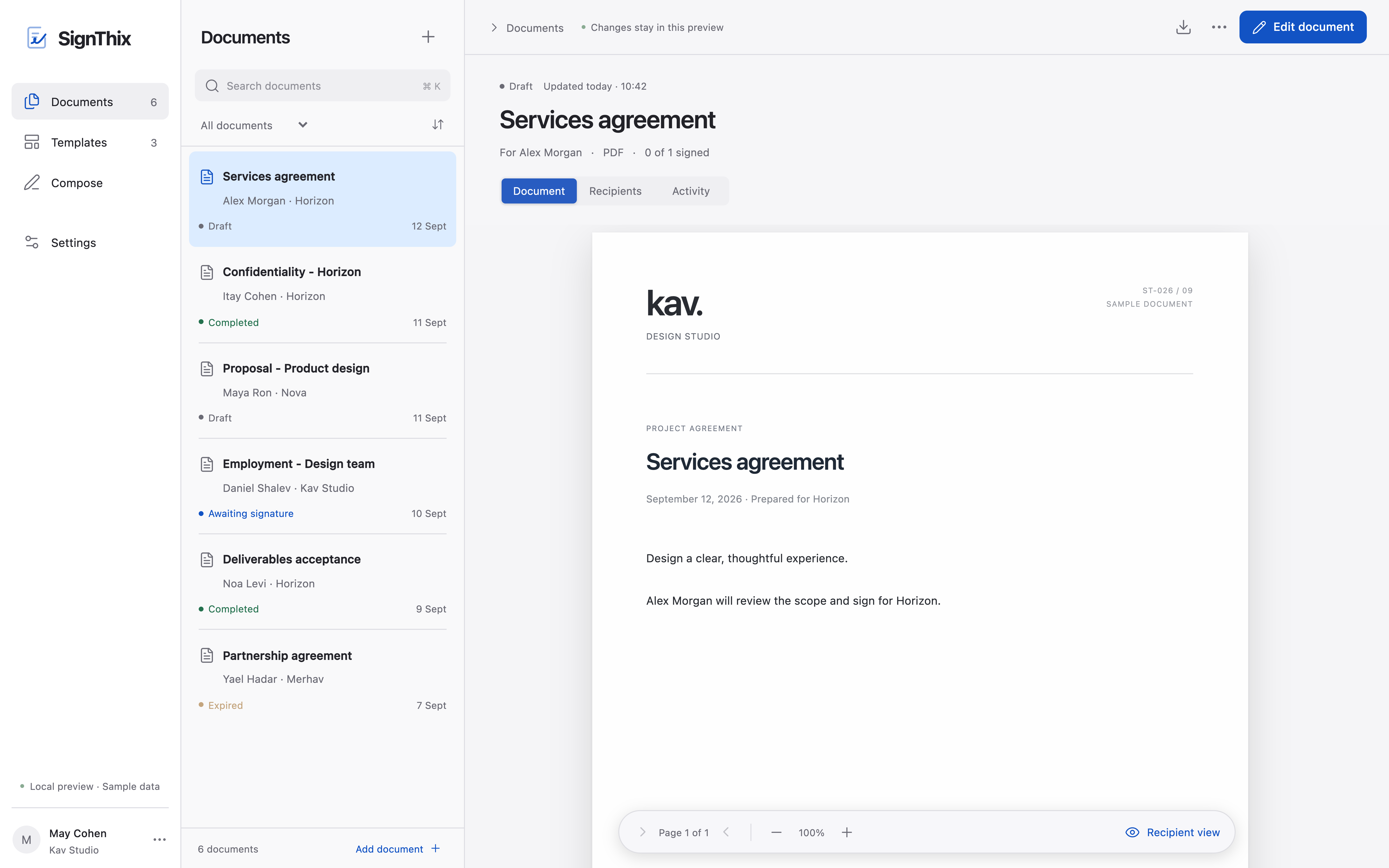
Know what happens next See which documents are drafts, awaiting signatures or completed.
Good work deserves a great finish.
Prepare your document, set the fields and send it for signatures. SignThix brings every step into one workspace.
A closer look
Know what happens next See which documents are drafts, awaiting signatures or completed.
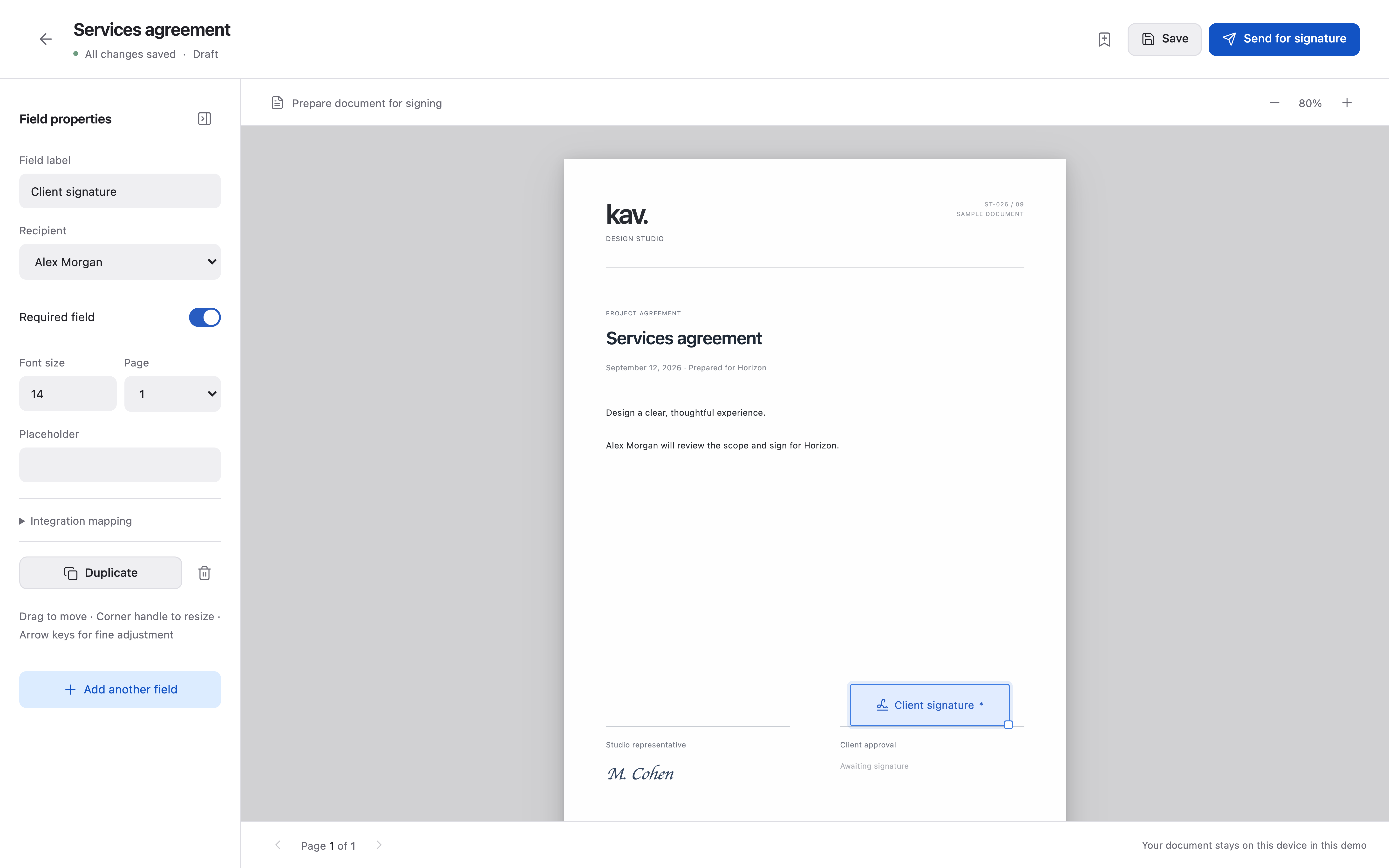
Every field where it belongs Place fields on your PDF and choose who needs to complete them.
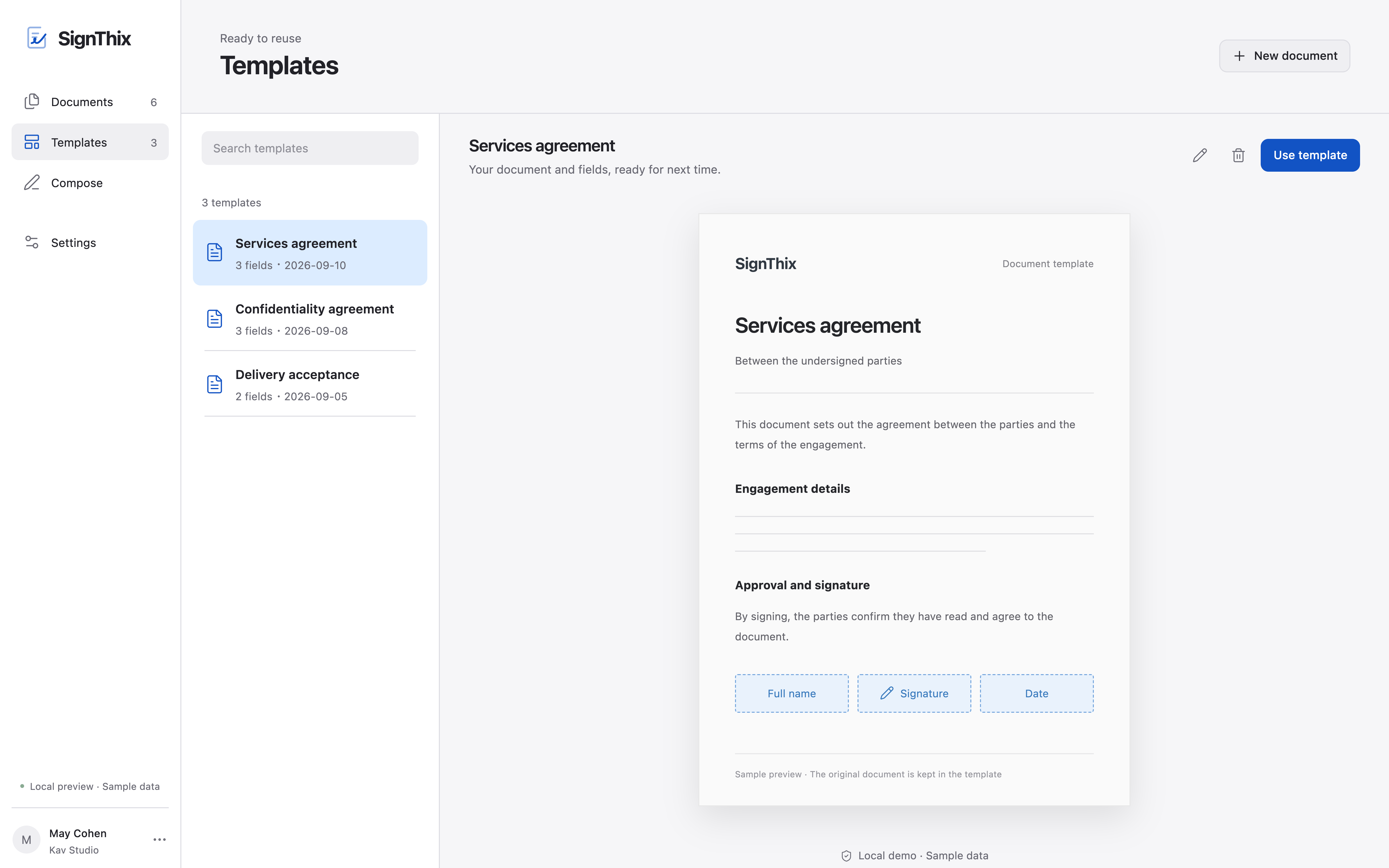
Great starts are worth keeping Reuse a document and its field layout when it is time to send the next one.
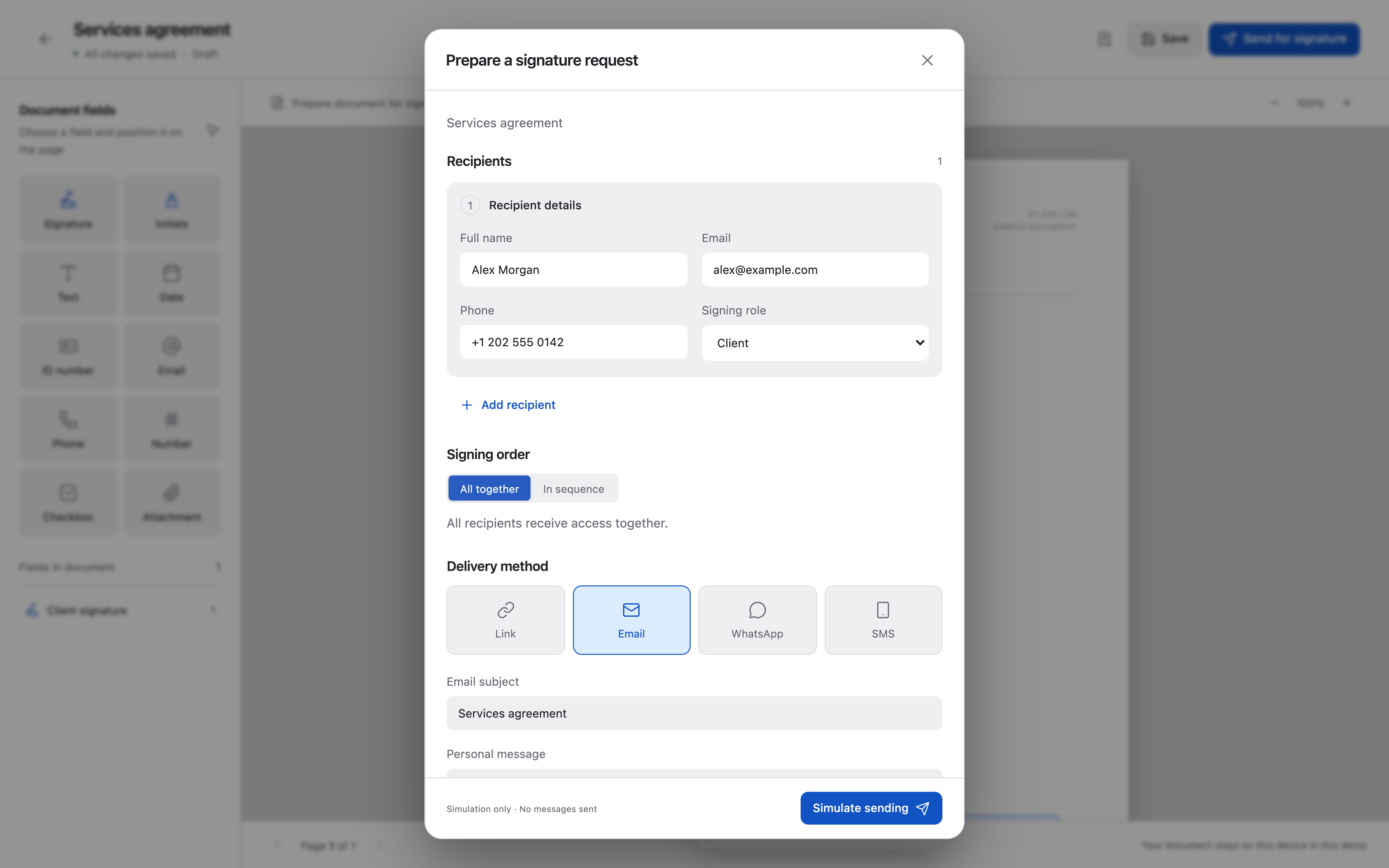
Choose who signs and when Add recipients, set the signing order and choose how to share the request.
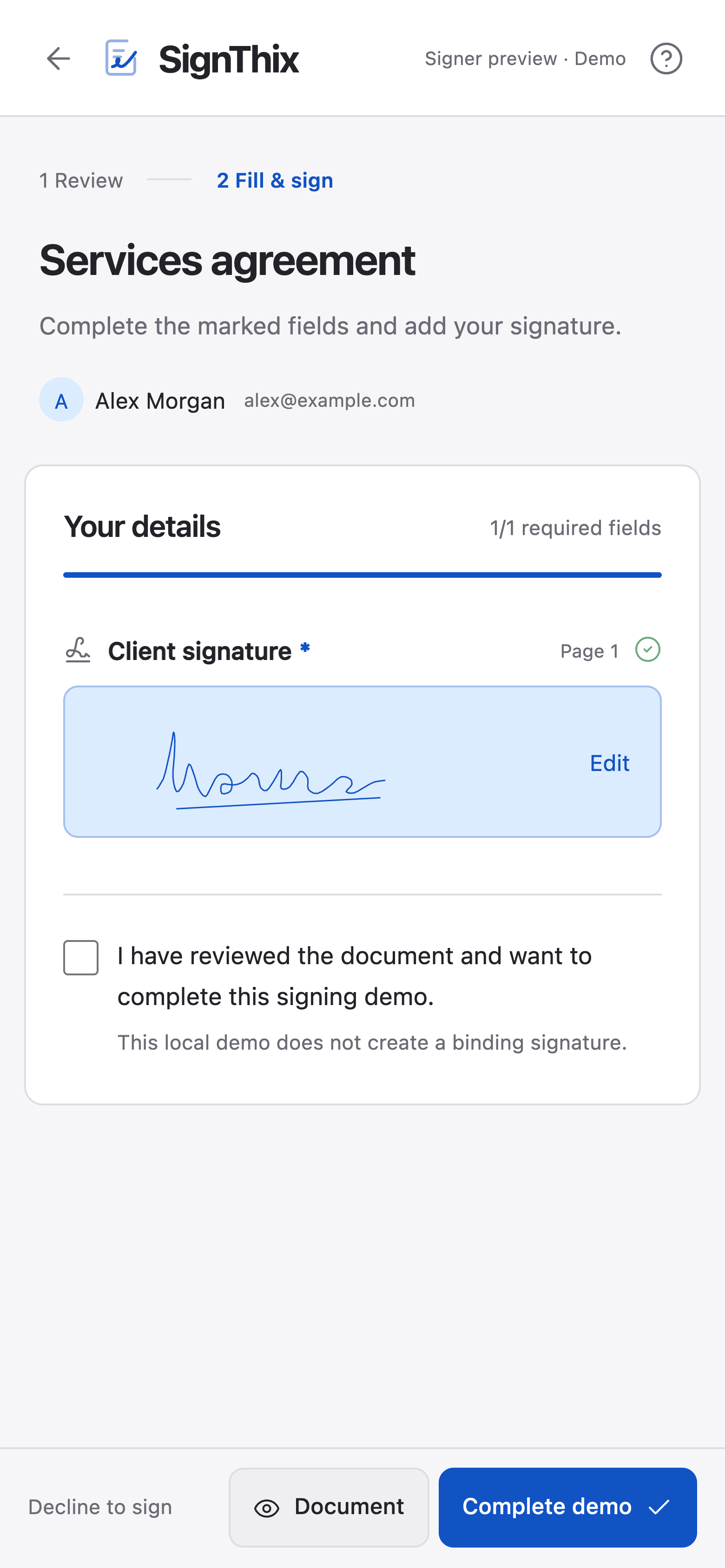
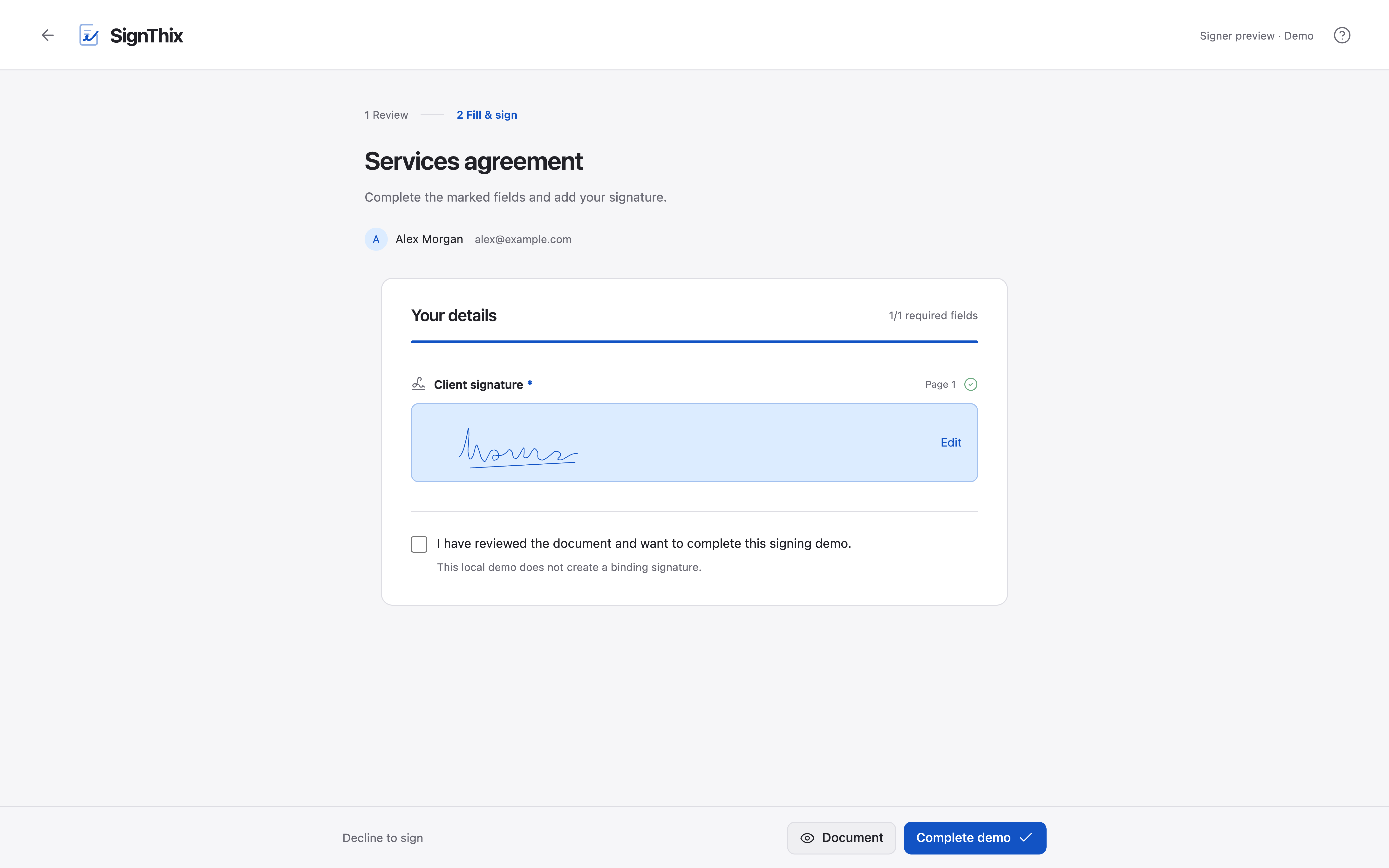
Review and sign in your browser Recipients read, fill in and sign the document in their browser, including on a phone.
Start with a PDF, a few words or a saved template, then prepare it for signing.
Your PDF
Open your document, place the fields and choose who will complete them.
Explore the editorA fresh document
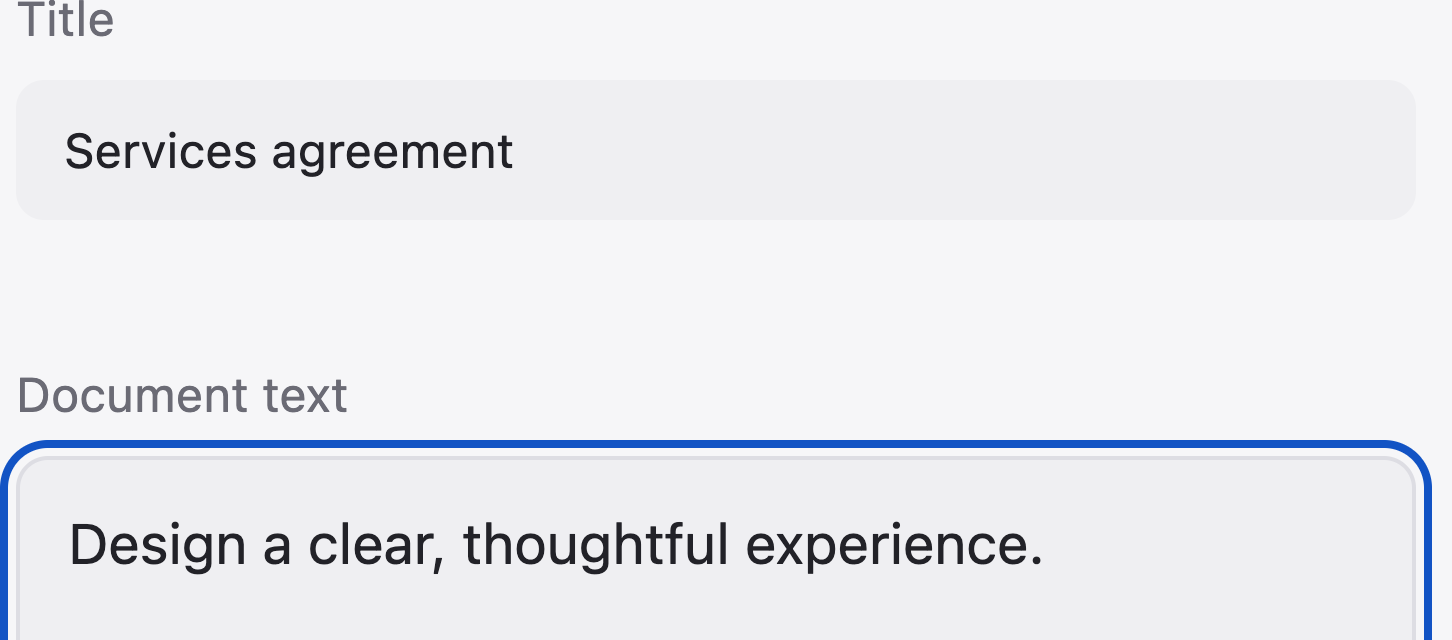
Write a title and content, or begin with starter text. Then add your fields.
Explore document creationSaved templates
Create a new document with the file and field layout you have already prepared.
Explore templatesTurn your PDF into a clear next step Add signatures, names, dates and other fields directly to the document. Place them, size them and decide what each recipient needs to complete.
See the editor in detailMove and resize fields on the page, with keyboard controls available alongside dragging.
Add signatures, initials, text, numbers, Israeli ID numbers, dates, email addresses, phone numbers, checkboxes and file uploads.
Assign fields to the recipient role that should complete them.
Mark the fields that must be completed before the process can finish.
Adjust labels, text size and settings for each field type.
Move between document pages and adjust the zoom while you work.
Give every request a clear path Choose recipients and their roles. Send for parallel signing or guide the document from one person to the next. Set access and reminders before it goes out.
Explore signature requestsAdd recipients and define which fields each person will complete.
Let people sign in parallel or move the request from one recipient to the next.
Choose how long the signing request will remain available.
Schedule email reminders for recipients who have not signed yet, sent through your connected Gmail or Outlook account.
Protect the request with a password, and add SMS verification where it is available.
The SignThix film
A clearer way forward in one workspace.
SignThix in 40 seconds
SignThix launch film. 40.33 seconds. 4K Ultra HD, 60 frames per second. No narration. Licensed soundtrack: “Drop The Beat” by All Good Folks (Music Vine). The film shows illustrative local product workflows with sample data. It does not show live customer operations, a sent signature request or a completed signature.
0.00-1.92s: Documents, Fields, Recipients, Signatures, Templates. [Upbeat electronic music: “Drop The Beat” by All Good Folks.]
1.92-3.84s: “Ready to make it official?”
3.84-8.16s: “Start with the right words.” An agreement is typed. Its preview updates alongside the text.
8.16-12.48s: “Every field. In its place.” The signature field is dragged onto the client approval line.
12.48-15.84s: “Prepare.” “Share.” “Sign.”
15.84-17.76s: Documents, Fields, Recipients, Signatures, Templates.
17.76-23.04s: “The right people.” The recipient and delivery method are prepared.
23.04-24.00s: “Make it yours.”
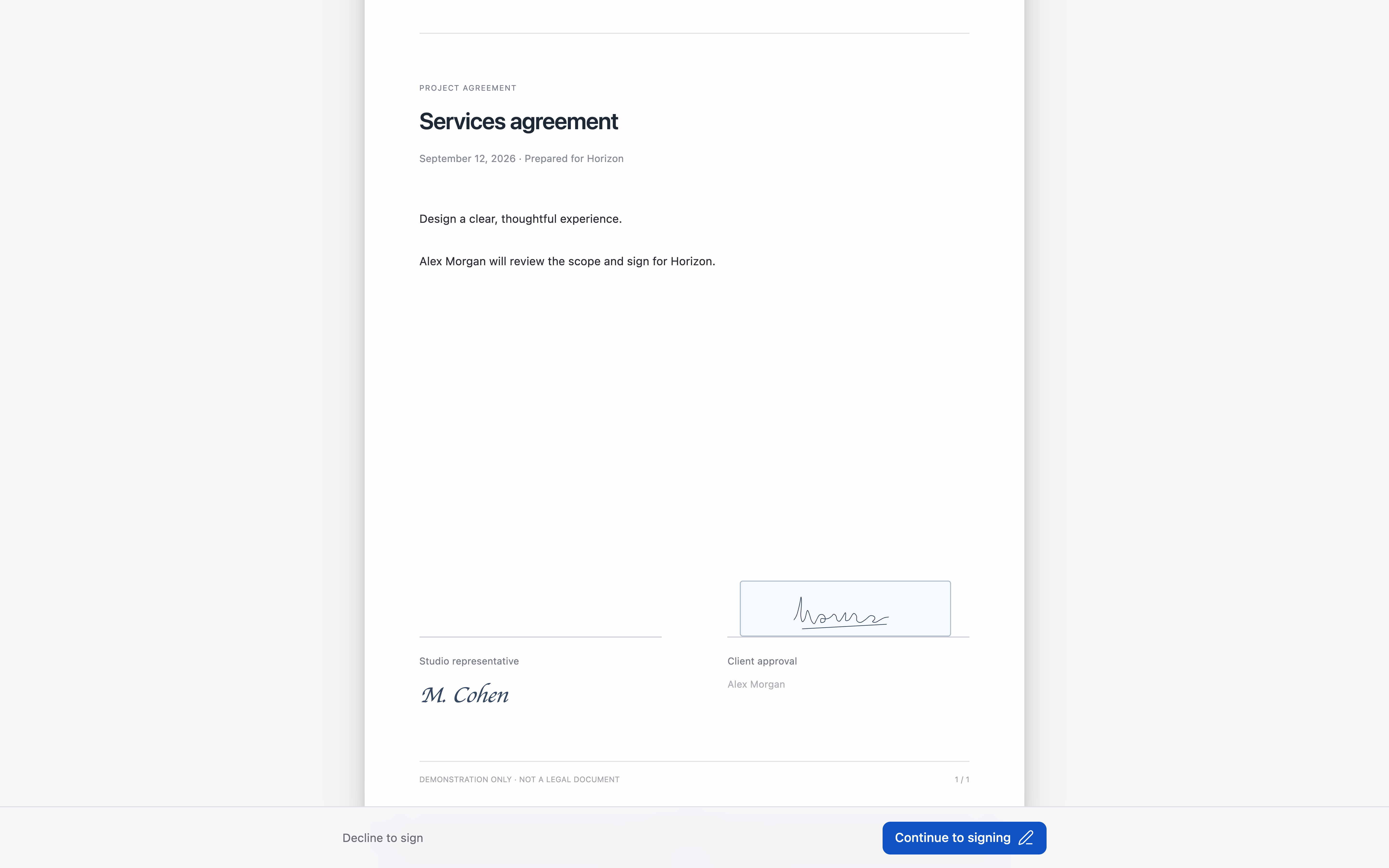
24.00-30.24s: “A personal touch.” A signature is drawn and reviewed on the agreement.
30.24-32.16s: “Your signature. In the right place.”
32.16-36.00s: “One agreement. A clear path forward.” Desktop and mobile views of the same workflow.
36.00-37.44s: “Next.”
37.44-40.33s: “SignThix. Make your next move.” The closing screen holds as the licensed music ends.
SignThix at a glance
One workspace, from the first word to the final field.
 Explore the workspace
Write a document. See it take shape.
Move and resize, right on the page.
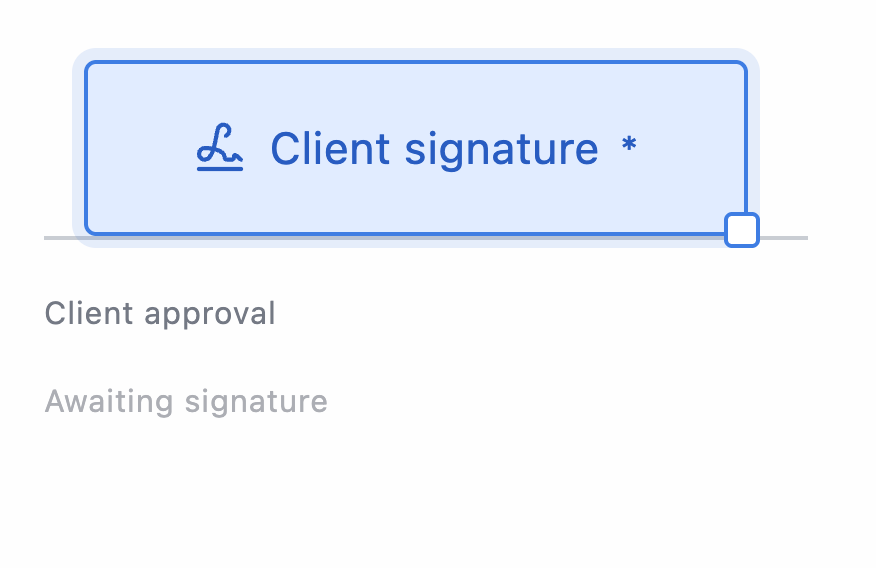
Give each recipient their part.

Draw a signature in your browser.
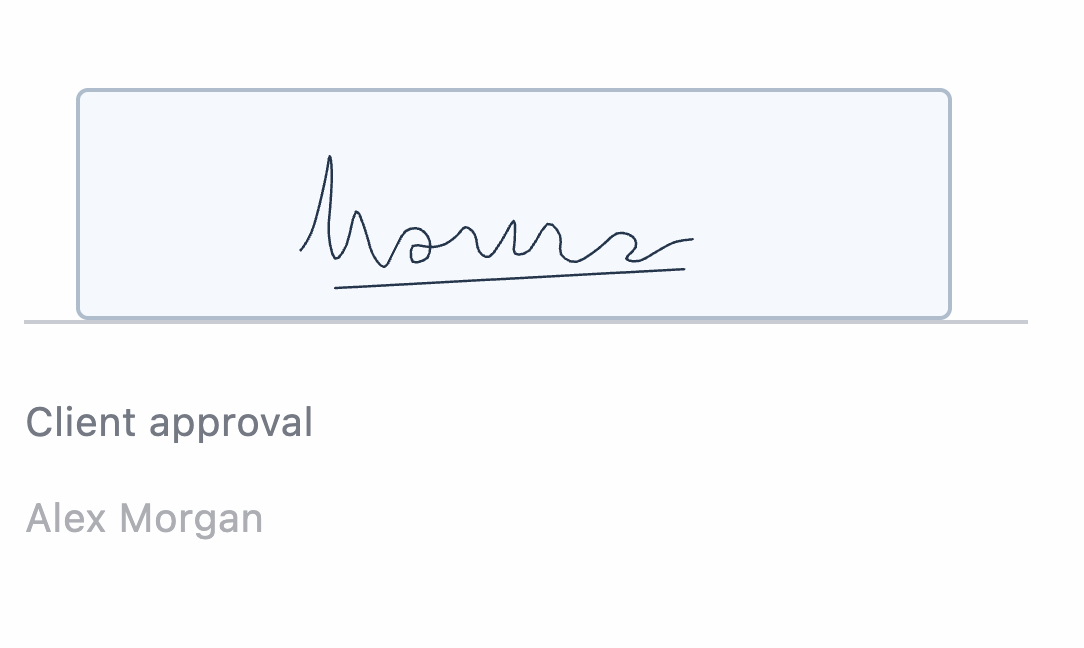
Choose the fields that need an answer.

Together, or one person at a time.

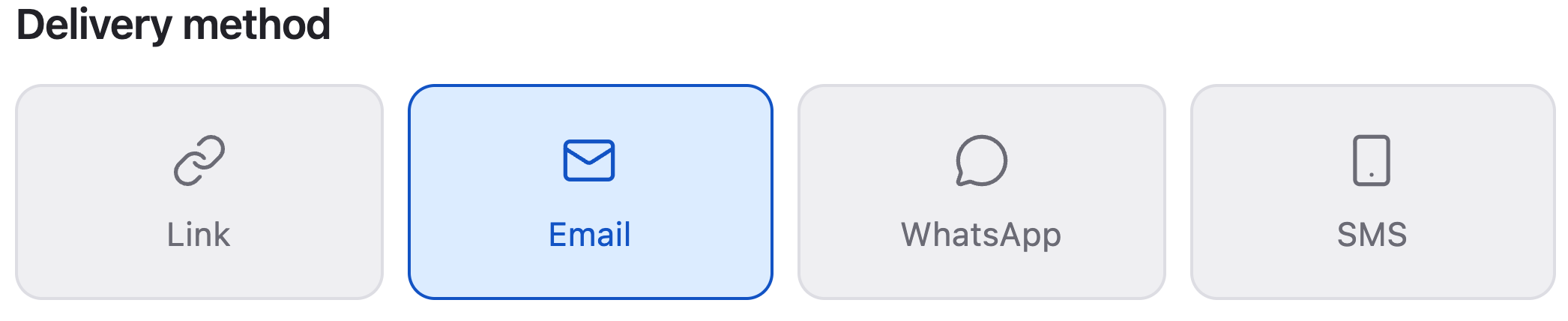
Email, a link to copy, or a message from your phone.
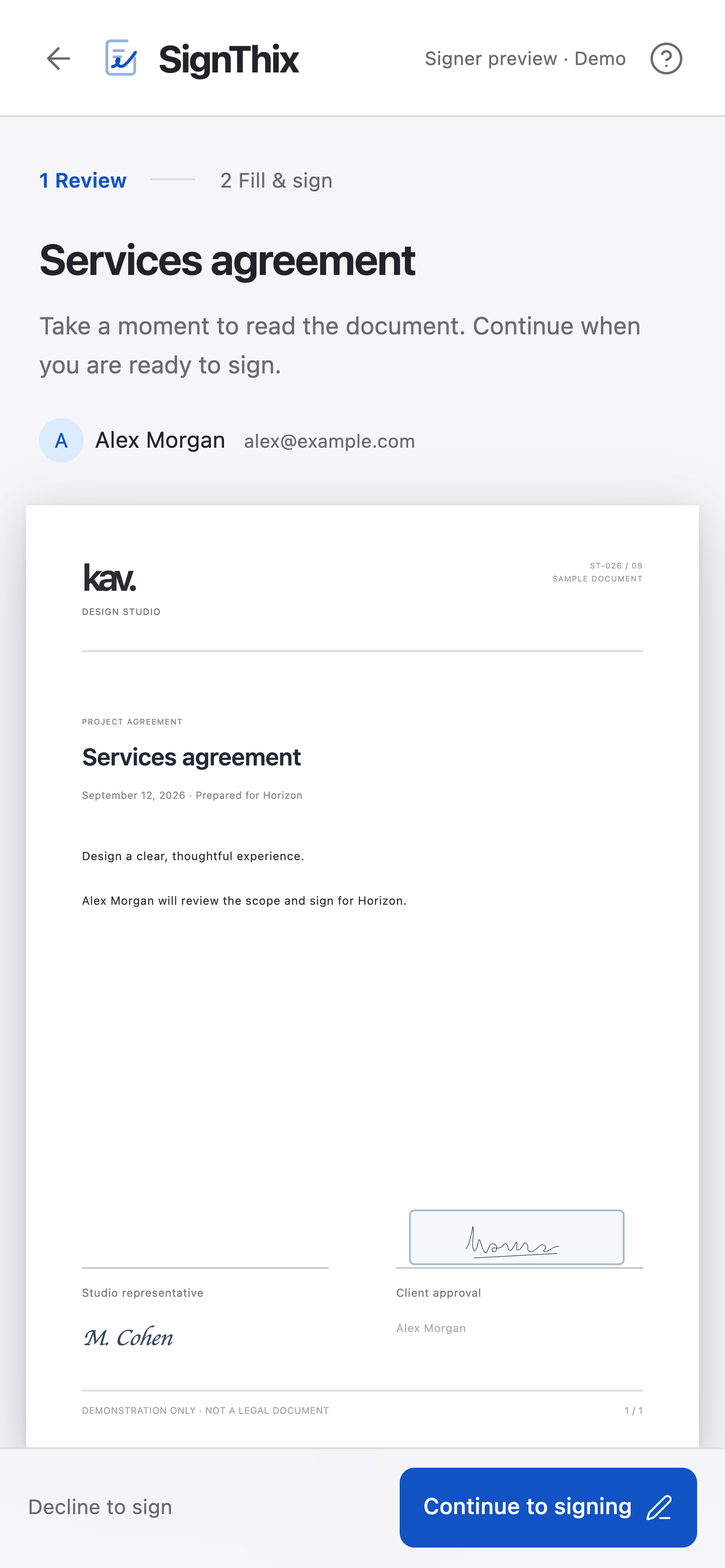
Read, fill in and sign in a mobile browser.
Screens show sample content.
Review and sign in your browser Recipients review the pages, fill in their fields and sign on screen. The experience adapts to a phone, so the next step can happen away from a desk.
See the signing experienceReview the document pages before filling in fields or adding a signature.
Complete the fields assigned to your recipient role.
Required fields and input types are checked before completion.
Draw a signature or initials on screen.
Read, fill in and sign through the browser on a smaller screen.
Complete the request after reviewing the document, or choose to decline it.
Follow progress and keep work moving Find documents, follow recipient progress and return to completed work. Save recurring documents as templates so the next request starts a little further along.
Explore your workspaceDocument status, recipient progress and activity appear together.
Search by document name or recipient and filter by document status.
Create a new document from a saved template while keeping the original template intact.
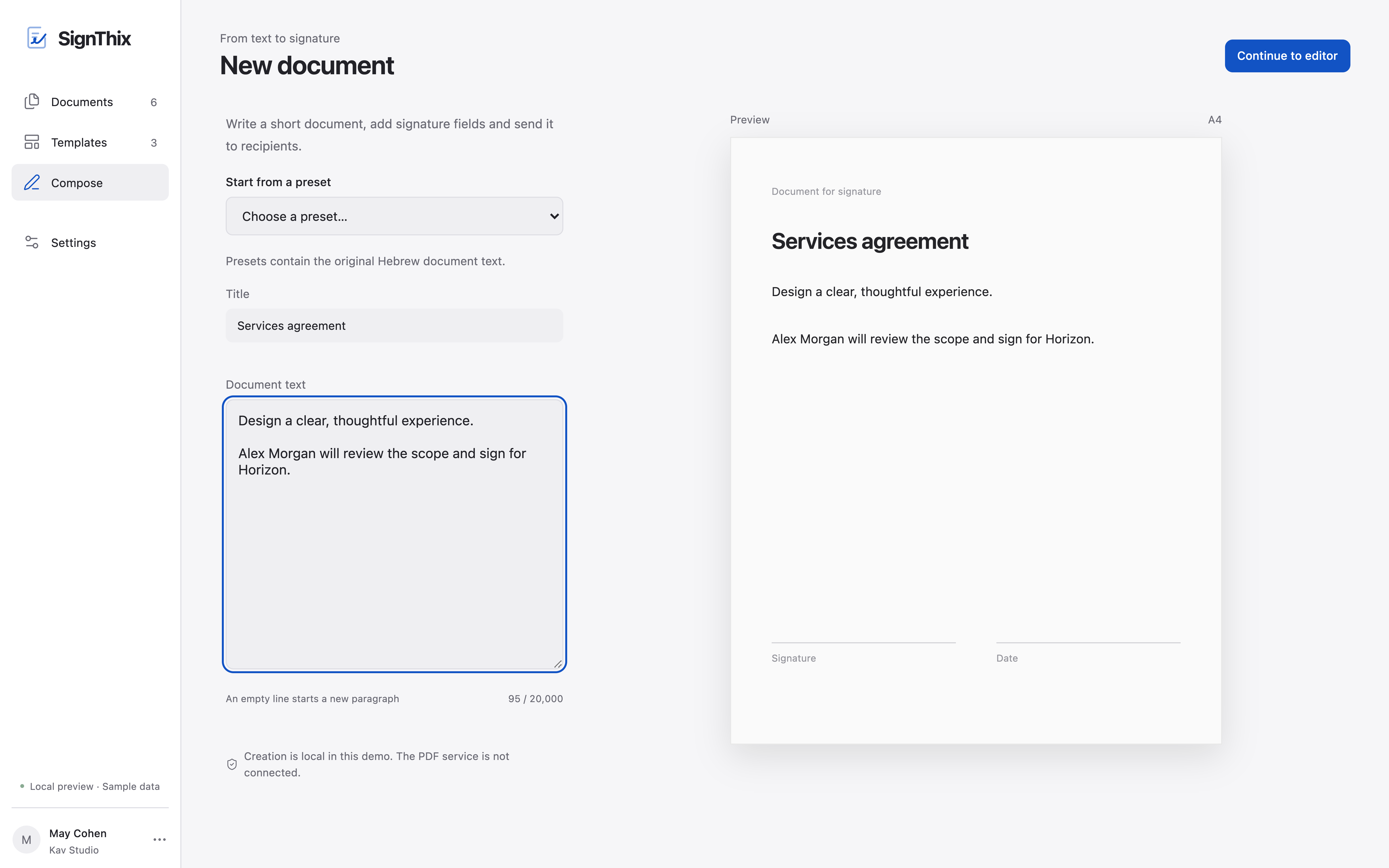
Write a title and content, or use starter text, then continue in the editor.
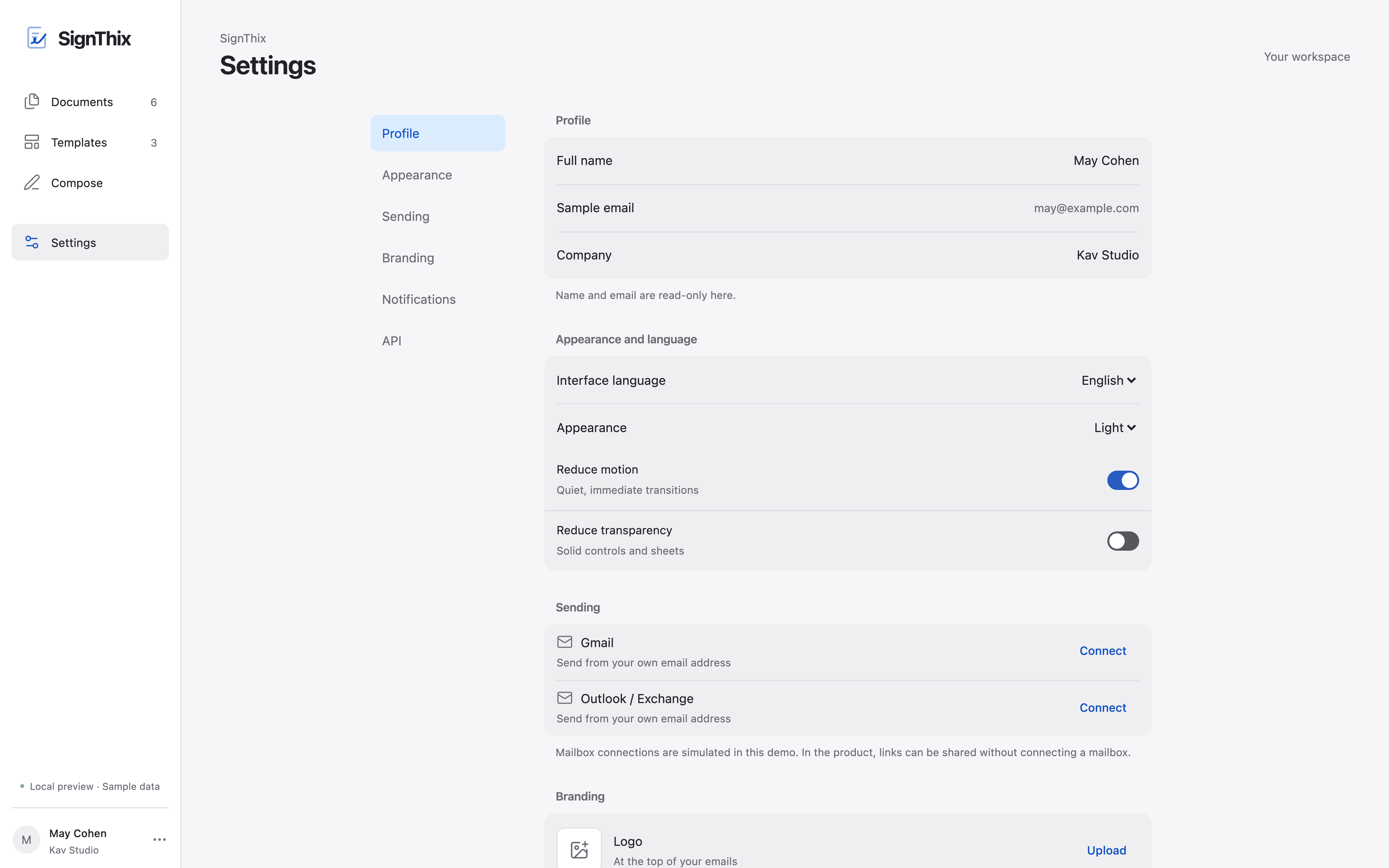
Set a company name, logo, signature and stamp using the available branding options.
Download a completed document from its document page.
Switch between English and Hebrew, and choose light, dark or system appearance.
SignThix plans
Start with everyday signing. Add your branding and automation with Pro, or connect advanced document workflows with Business.
Monthly pricingUSD / month, per account
Proposed plans. Paid subscriptions are not available yet. Your existing access stays the same.
For occasional signature requests.
USD / month, per account
Ask about StarterEveryday signing includes
Your branding, document creation and signing workflow automation.
USD / month, per account
Ask about ProEverything in Starter, plus
Advanced document generation and connected workflows.
USD / month, per account
Ask about BusinessEverything in Pro, plus
Enterprise
Custom request volumes, templates, storage, integrations and personal onboarding for your organization.
Every proposed paid plan
Upload a PDF and place signature, text, date and other core fields.
Save document layouts and reuse them within your plan’s template allowance.
Recipients can sign on their phones and receive access together.
Send from your connected mailbox or share a personal signing link.
Follow each request’s activity and send a reminder when needed.
Senders and recipients can download completed signed PDFs with their signing evidence.
Scroll across to see every plan.
| What’s included | Starter | Pro | Business | Enterprise |
|---|---|---|---|---|
| Monthly price per account (USD) | $15 | $29 | $59 | Contact us |
| Signature requests per month | 50 | 200 | 600 | Custom |
| Reusable templates | 10 | 50 | 150 | Custom |
| Storage | 5 GB | 20 GB | 50 GB | Custom |
| Webhook configurations | Not included | 5 | 20 | Custom |
| PDF upload and core fields | Included | Included | Included | Contact us |
| Reusable templates | Included | Included | Included | Contact us |
| Mobile and parallel signing | Included | Included | Included | Contact us |
| Gmail, Outlook and signing links | Included | Included | Included | Contact us |
| Activity and manual reminders | Included | Included | Included | Contact us |
| Signed PDFs and completion evidence | Included | Included | Included | Contact us |
| Custom branding and office stamp | Not included | Included | Included | Contact us |
| Create PDF documents from text | Not included | Included | Included | Contact us |
| Sequential signing | Not included | Included | Included | Contact us |
| Automatic reminders | Not included | Included | Included | Contact us |
| Request recipient attachments | Not included | Included | Included | Contact us |
| Template-based API | Not included | Included | Included | Contact us |
| API generation from HTML or PDF URLs | Not included | Not included | Included | Contact us |
| API prefilling and anchor mapping | Not included | Not included | Included | Contact us |
Pro adds branding, PDF creation from text, sequential signing, automatic reminders, attachment requests and a template-based API. Business also adds API document generation from HTML or PDF URLs, prefilling and anchor mapping. These are proposed packages; existing access is unchanged.
No. Completed signed PDFs and their signing evidence remain available to senders and recipients on every proposed plan. Creating new PDF documents from text is proposed for Pro and Business.
These are proposed plans. There is no paid checkout yet. Access is by invitation: request access or contact us about a plan. This preview does not charge your account or change existing access.
No. Recipients can sign for free. The proposed subscription price is for the sending account, not each recipient.
A request counts once when it is activated for signing. Multiple recipients, reminders and downloads do not count as additional requests.
No. SMS messages are excluded from these prices. Any future SMS charges and availability will be explained separately.
The displayed price is per SignThix account per month. These plans do not promise multiple user seats. Contact us under Enterprise for organizational requirements.
Proposed prices in US dollars. Taxes and final subscription terms will be confirmed before paid subscriptions become available. SMS is excluded. Recipients sign for free.